

Create an API Token
To create an API token:-
From the Navigation Bar, hover on Integrations and select “Invoca APIs”
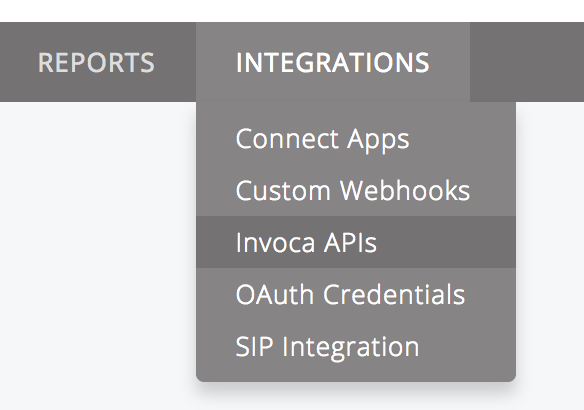
- On the “Invoca API Credentials” page, click “New API Credential”
- Enter Description and click Save.
Delete an API Token
To delete or remove an API token from your platform:-
From the Navigation Bar, hover on Integrations and select “Invoca APIs”
- On the “Invoca API Credentials” page, click the delete icon associated to the API token to delete.
API Guidelines
- Users should generate their own API tokens. Tokens should be treated like passwords and not be emailed or transmitted over other insecure mediums, nor should they be stored in a customer’s source code repository.
- As a network user, you should not generate a token on behalf of Advertisers or Publishers as tokens inherit the privileges of the user generating it.
- Invoca does not use OAuth refresh tokens.